You can edit (or even delete) your personal or team vehicles on your User Profile under the vehicle section:
- Click your name in the upper right-hand corner of your screen to access your User Profile
- Scroll down to Vehicles and click arrow to the right to open drop-down
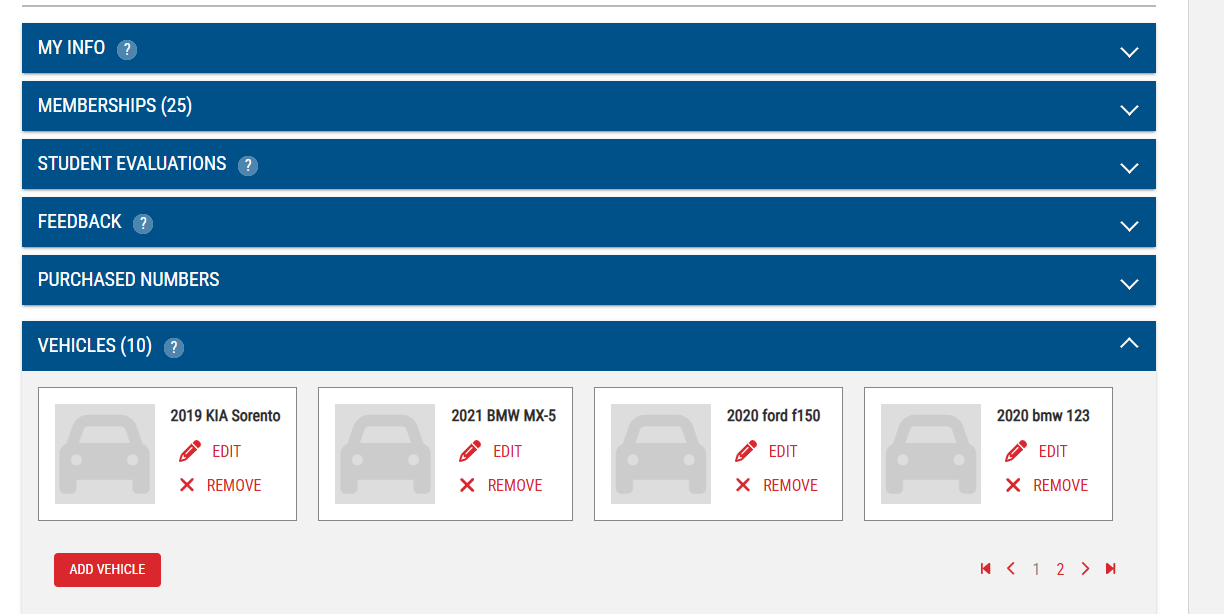
- Click Add Vehicle or click edit to update an existing vehicle
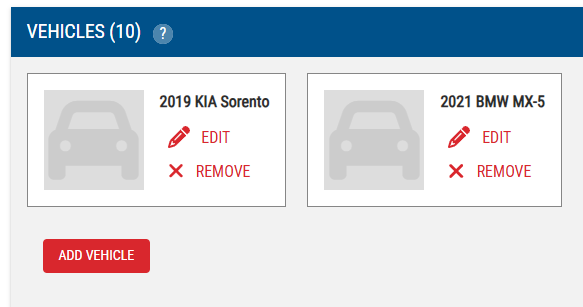
- Click Submit or click Remove
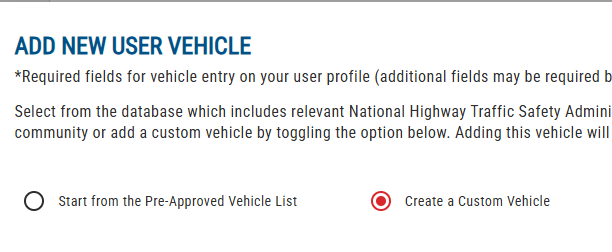
Tip: If Adding a Vehicle change the radio button to Create Custom Vehicle